Privileged User Control (PAM)
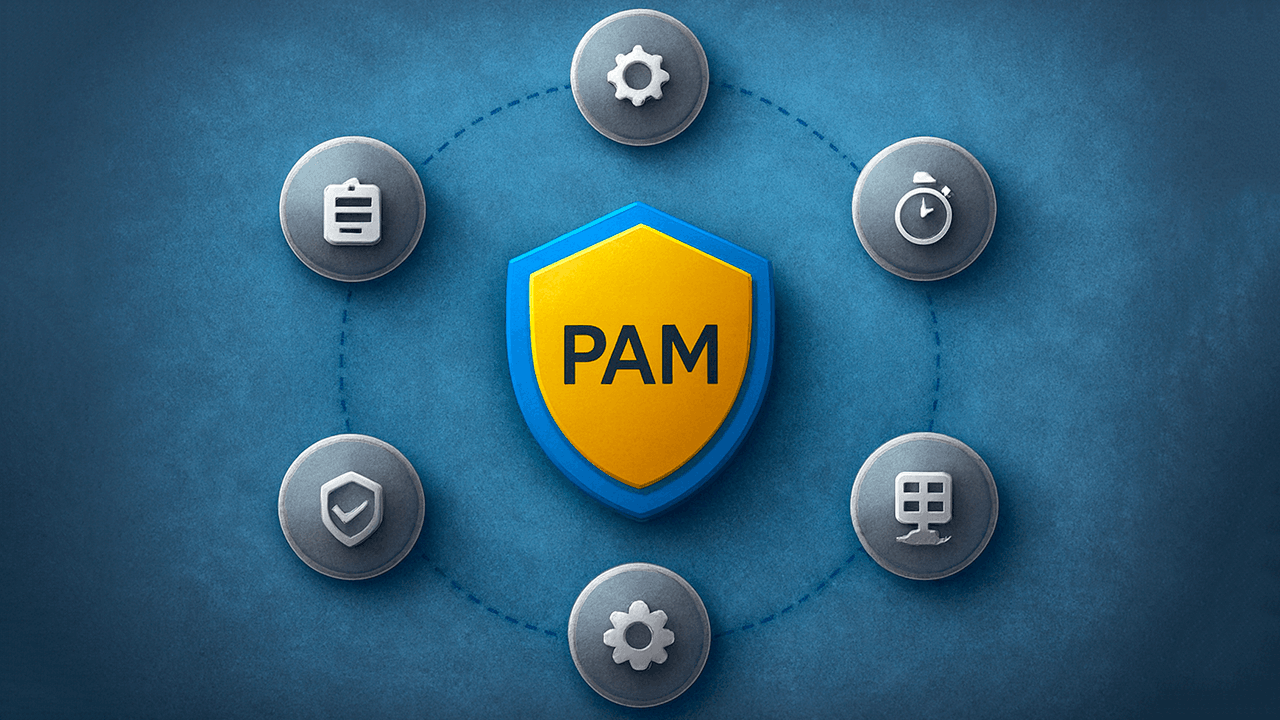
PAM ͏is a type of system that monitors absolutely all users, as well as accounts with extended rights, records impacts and reduces the risks of infrastructure security breaches.
In practice, 90% of hosting incidents are somehow related to access by privileged users: admin, service account, contractor, forgotten root without MFA. This is where PAM closes the most painful holes. PAM is a unified account and session control system.
What is considered privileged access
Privileged users include:
- root Administrator
- domain Administrators (AD)
- local server administrators
- application and database administrators
- service and technical user accounts
- business users
- emergency accounts (break glass)
Any privileged user who is able to change configuration, access information, or stop services must be under PAM.
Why do companies and hosting clients need PAM?
To know who went in when, where, and why, and to be able to prove it.
Typical problems without PAM
- Root passwords are transmitted in messengers
- There are no logs of administrators' actions
- Contractors have constant access
- User service accounts have been living for years without rotation
- Incidents cannot be investigated
From the point of view of the hosting provider, the direct path to:
- downtime,
- leaks,
- regulatory fines,
- conflicts with the customer.
The principle of operation of the PAM system
The user does not know the password, but gets a temporary session under PAM control.
What it looks like technically
- User credentials are stored in secure PAM storage
- The user is authenticated (often with an MFA)
PAM grants admission:
- by time (JIT)
- by role
- to implement specific user actions
The whole session:
- being recorded
- logged
- can be stopped

The main functions of PAM
| Function | Why is it needed |
|---|---|
| Centralized user management | One source of truth |
| Access control to resources | Minimizing rights |
| Identification and authorization | MFA, policies, roles |
| Recording sessions | Audit and investigation |
| Audit of user actions | Who was doing what |
| Alternating passwords | Exclusion of compromise |
| Working with contractors | Without transferring passwords |
How does PAM really help in operation
- Absolute control we see all inputs and results of user actions
- Transparency any incident is dealt with by the minute
- Security even the compromised result of user actions is limited
- Comfort admins work through a single access
- Compliance with the requirements ISO, PCI DSS, SOC, 152-FZ
PAM control, PIM, IAM what is the difference
| Term | Appointment |
|---|---|
| IAM | Management of ordinary users |
| PAM | Control of privileged users |
| PIM | Role and Opportunity Management (often part of the PAM) |
In real projects privileged user control always complements IAM, rather than replacing it.
Recommendations for using PAM (from practice)
- Mandatory MFA for all privileged user accesses
- JIT is a step instead of permanent rights
- There are no passwords in my head only through PAM
- Record all sessions without exceptions
- Separation of roles (admin auditor)
- Monitor user actions other than logging in

How privileged access control is integrated into the information security contour
PAM is usually integrated with:
- Active Directory LDAP
- SIEM
- SOC
- VPN and bastion hosts
- cloud platforms
For a hosting provider, the key element of the zero trust architecture is.
How to choose such action control: key criteria
What to look at
- Support for the necessary OS and services
- Session fixation (SSH, RDP, DB)
- Flexible Privileged User policies
- Scalability
- Integration with AD and SIEM
- Working with contractors
- On-premise and cloud deployment
Does PAM protect you from cyber attacks?
The PAM system is not a panacea, but it closes the most dangerous class of risks of privilege abuse.
It effectively protects against:
- an internal attacker
- credential compromise
- sysadmin errors
- unauthorized access
The result after implementation
After implementation, customers usually receive:
- An additional level of protection
- Increased control of user actions
- Transparent processes
- Rapid investigation of incidents
- Staying calm during audits

A real case from practice
The client is an average SaaS company (≈120 servers: bare metal VM), its own DevOps team, part of the infrastructure is serviced by external contractors. SSH/RDP login directly, accounts are shared, passwords are changed "as needed".
Problem
One night, monitoring recorded a sharp increase in the load on the database and degradation of the service. The client contacted us as a hosting provider with a request for an urgent review of the incident.
What turned out:
- changes to the PostgreSQL configuration were made manually;
- It is not known who exactly made the changes.;
they had access to the server:
- two full-time sysadmins,
- one DevOps,
- Database maintenance contractor;
- SSH logs are available, but without understanding which commands were executed.
In fact, the classic situation is that there is a conflict, but there is no one responsible.
Decision
- After the incident, the client agreed to a phased implementation of the system.
What have you done:
- We took out all the privileged access through PAM bastion
- We have removed direct SSH/RDP to the servers
Configured:
- MFA for all sysadmins,
- Stop (issued for 30-60 minutes),
- recording of all SSH and RDP sessions
User roles have been separated:
- the sysadmin performs all necessary operations,
- the auditor reviews logs and records
Contractors were given an entrance:
- only to specific servers,
- only during business hours,
- without knowing the passwords
Result
Two months after the implementation, a similar conflict occurred. Changing the application settings led to partial downtime.
But now the picture looked different.:
- A specific user was found in 5 minutes.;
- full SSH session fixation was allowed in Privileged Access Management;
It's visible:
- what commands were executed?,
- at what time,
- from which IP address,
- under which agreed ticket;
- The incident was closed in 40 minutes without escalation or conflict.
An additional effect that the client did not expect:
- admins began to work more carefully, knowing about transparency;
- contractors stopped "experimenting" in production;
- During the external information security audit, user control closed several comments at once.
The system is almost never implemented “in advance”, it is installed after the first serious incident.
But companies that do this before accidents save money.:
- Time for investigations,
- money on downtime,
- nerves during the "who's to blame" showdown.

Frequent questions
A system for monitoring and auditing privileged user access.
Leaks, lack of logs, human factor.
Yes, this is a standard requirement.
The number of users, file servers, and integrations.
Step by step: critical user accounts and service accounts.