Cloud Gaming
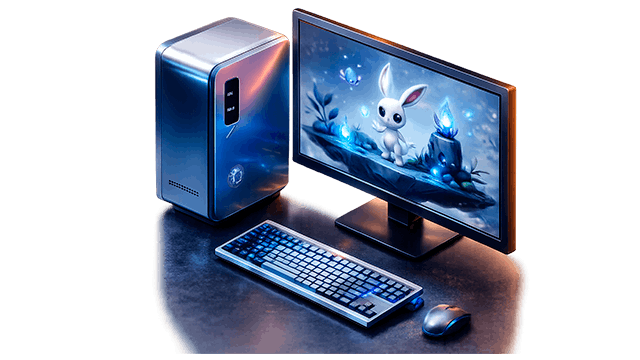
Cloud gaming is the rental of a powerful gaming computer remotely. You connect online via SSH or RDP and the games are launched on our computer, and the picture is shown on your screen. No expensive hardware, no upgrades.
Customized gaming PCs for rent
- Each computer is configured for a load of games: low pings, NVMe SSD, dedicated channel without overselling.
- Pay only for the time you actually use.
- Monthly payment - from €92/month. Fixed price, unlimited online access to the selected configuration.

The advantages of cloud gaming
- You don't need a powerful computer - any device with the Internet is enough: a laptop, tablet or TV.
- Quick Start - no driver installations or updates.
- Always up-to-date hardware for online gaming - we update configurations.
- Savings - RTX 4090 costs from €1,500. Why buy if you can rent for €92/month?
- Launch games from anywhere - at home, on a business trip, with friends.

How do I pay for remote gaming?
We accept all convenient methods:
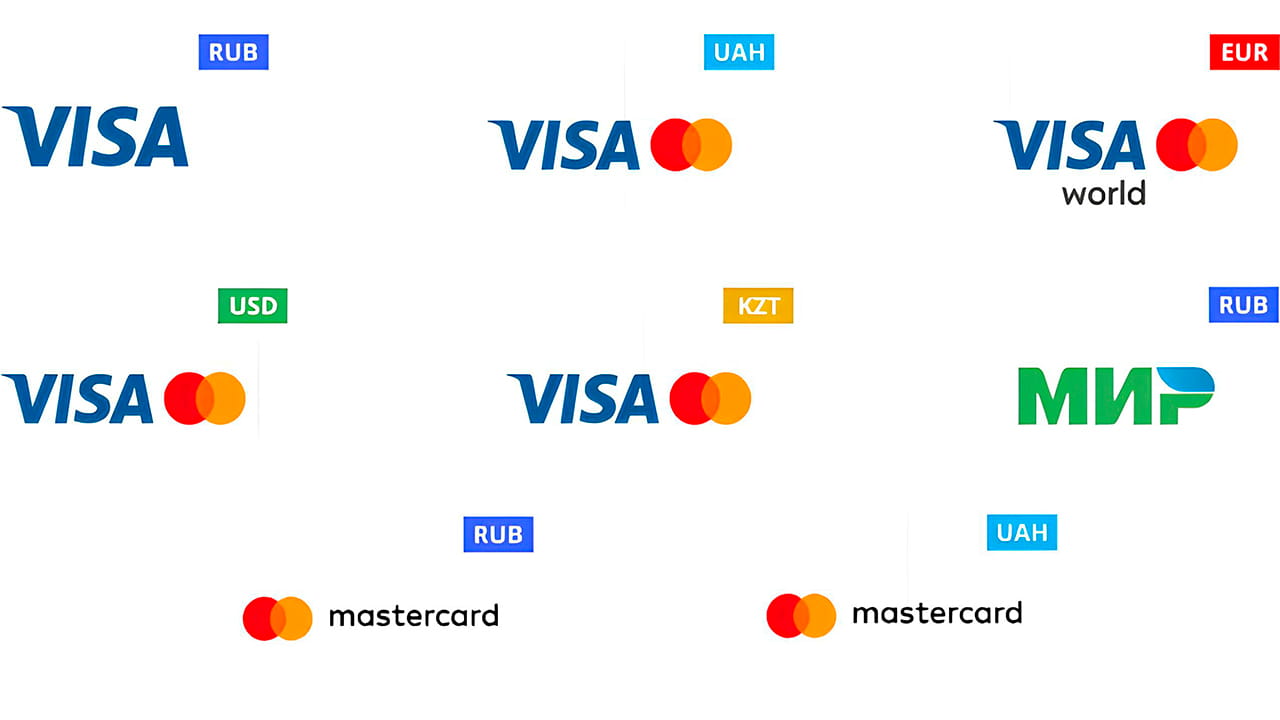
- Bank cards (Visa, Mastercard, MIR).
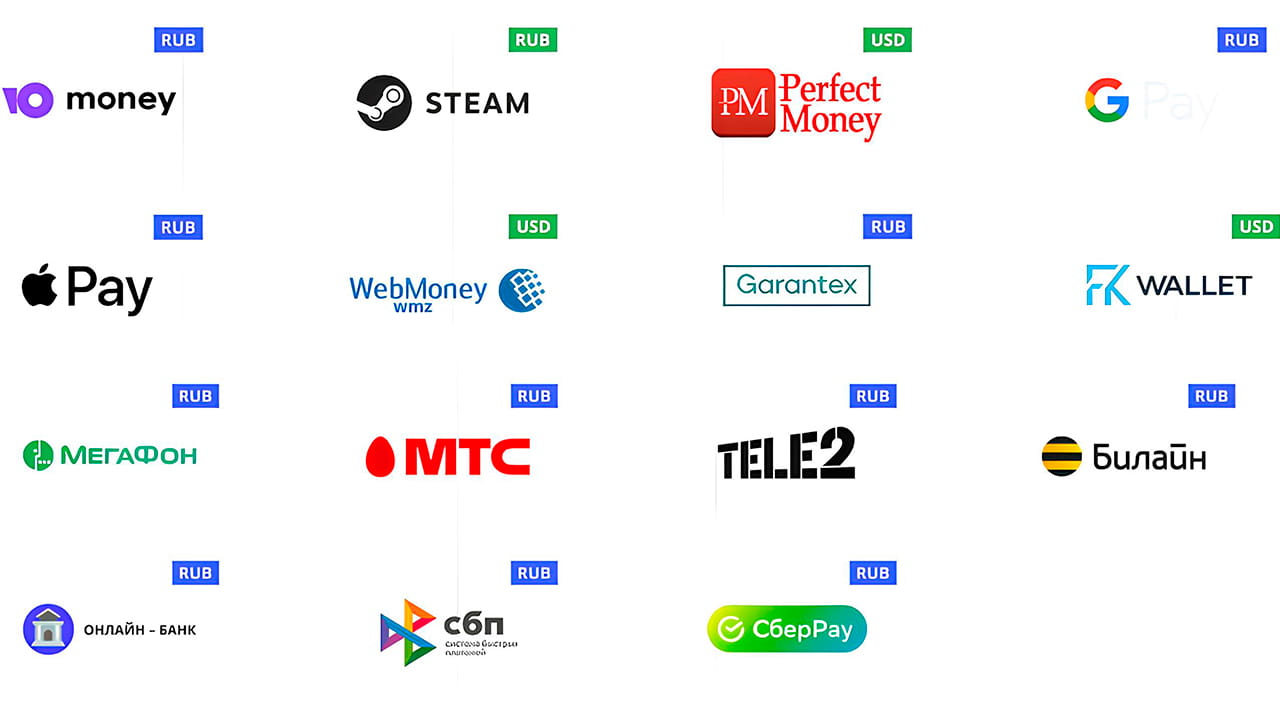
- Online payments and electronic systems.
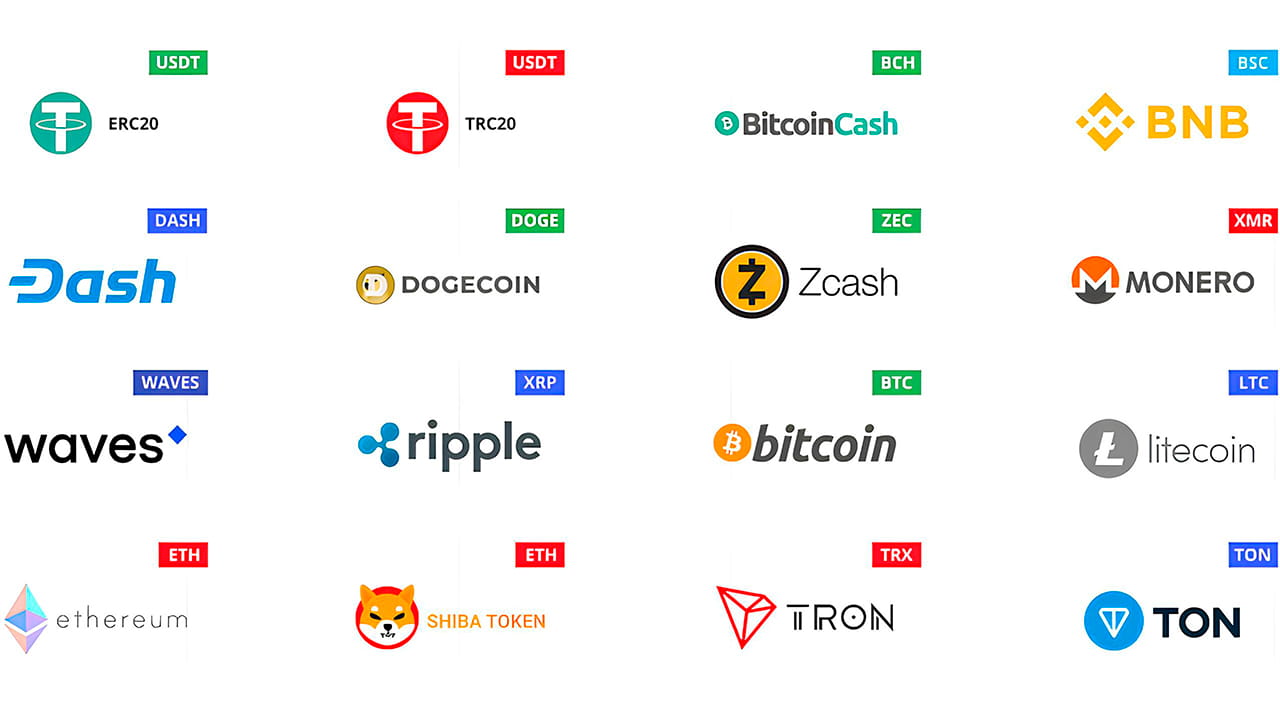
- Cryptocurrency.
Personal account balance - top up once, spend as needed.

5 Reasons to Rent Our Servers Online
- 99.9% guaranteed uptime - redundant channels and redundant power supply.
- Ping from 5 ms - computers in the Netherlands data center.
- No queues - a personal computer just for you, no sharing with other users.
- 24/7 support - we will respond in the chat in 5 minutes, solve the technical problem in 15.
Situation. Dmitry, 28 years old. I wanted to run Cyberpunk and Baldur's Gate 3 online at maximum settings. His laptop, a Core i5, GTX 1050, played games at low settings at 25 FPS at best. The cost of a powerful gaming PC was from €1,500.
What I did. I have registered and ordered a service. I made sure that the ping to the site in the Netherlands is stable, there are no drawdowns. I have activated a monthly subscription for €92.
The result in 3 months:
| Indicator | PC purchase | Remote PC rental |
|---|---|---|
| Costs | €1,500 | €276 |
| FPS in Cyberpunk (1080p High) | 85–110 | 60+ stable |
| Time to start the game | 2–3 days (delivery, assembly) | 15 minutes |
| Maintenance | At your own expense | Included |
Quote from the client: «I expected delays and artifacts, but there is none of this. I'm running the game from my old laptop, and the picture is stable and without friezes».
Dmitry spent €276 for remote gaming versus €1,500 for hardware. When the new hit came out, I just switched to a different configuration without paying extra for the upgrade.
FAQ
Minimum 15 Mbps for 1080p. For a comfortable launch of games in 1440p, we recommend starting from 30 Mbit/s.
Yes, you have full access to the Windows desktop. Install any software.
The computer continues to work online. After the connection is restored, simply reconnect.
Root access to a dedicated site is provided within 15 minutes after payment.
Yes. For payments starting from 3 months - 2% discount, from 6 months - 4%, from 12 months - 8%. Check the current conditions with the manager.
Use a wired connection instead of Wi-Fi
The Ethernet cable reduces ping by 5-15 ms and removes the instability of the wireless network. The difference between 25 ms over cable and 40 ms over Wi-Fi in a dynamic game is physically felt.
Close background apps before the session.
Torrent clients, Windows updates, cloud-based synchronization - all this eats up bandwidth. Close unnecessary browser tabs and background programs before starting games. Free up the channel completely for remote gaming.
Choose low-load hours
The peak load on home networks is from 19:00 to 22:00. If you run the game at a different time, ping and connection stability will be noticeably better. Night sessions are especially comfortable.
Use a gamepad instead of a keyboard and mouse
To use the gamepad in games, connect it directly to your device via USB without additional settings. For shooters, the mouse is more accurate, but for RPGs and racing, the gamepad through the cloud gives a great response.

I was skeptical about cloud gaming - I thought there would be lags and a blurry picture. Ping to the Dutch cloud PC is 22 ms, FPS is stable. I've been on a subscription for 4 months now, and I don't want to go back to buying gaming hardware.
I have a remote job, and my laptop is weak. I rented it to play in the evening after work. I was surprised that everything is downloaded even via Wi-Fi. Game settings are saved between sessions, Steam is synchronized. I recommend it to girls who think it's difficult — everything is intuitive.
Pros: you don't need to upgrade your equipment, you only pay when you use the services of a rented PC remotely. Minus: when the home Internet goes down, the quality drops — but this is not the fault of the service, this is my provider. The remote computer starts up without complaints, support responded in 3 minutes when I wrote to the chat.
I rent a remote PC to play GTA online with friends. Previously, it was slow and there was not enough power on my old hardware, now it is stable at 60 FPS in 1080p. The price per month is less than one trip to the cinema with the family. Definitely profitable.
My son asked me to buy a game server for €2000. I found this service, took out a monthly subscription for €92 - now he's happy, he runs any game remotely and does whatever he wants. If the interest passes, we just don't extend it. No risk involved.
Rent of playground facilities
If the task goes beyond cloud gaming and office tasks - take a dedicated PC. It is suitable for powerful hosting of projects, databases, enterprise applications, rendering and ML tasks.
Choose the leased facilities - pay for them - get root access within 15 minutes. No queues, no equipment in the office.