Renting a server for 1C
If you need stable, fast and scalable 1C operation without buying hardware, a 1C server in cloud storage solves the problem faster and cheaper than your own server.

- 6
- 15
- 100
- 1
What is cloud rental for 1C and who needs it?
A cloud for 1C is dedicated resources in a data center optimized for 1C, with Internet access.
Rent is fine:
- companies from 5 to 500+ 1C users;
- businesses with remote employees;
- for those who are tired of "brakes", failures and lack of IT reserve;
- for those who do not want to buy a server, Windows and SQL licenses at once.
Basic configuration of the cloud server
1C is critical to CPU and disks, not "beautiful numbers".
Basic parameters
| Component | What is important in practice |
|---|---|
| CPU | High frequency, not "many cores" |
| RAM | With a reserve for the SQL cache |
| Disks | SSD/NVMe, IOPS is more important than volume |
| ОS | Windows Server + MSSQL or Linux + PostgreSQL |
Typical options:
- Windows Server + MS SQL — a classic for loaded bases
- Linux + PostgreSQL — for savings and new implementations
Balanced architecture for 1C in the Cloud
We are designing the infrastructure so that:
- SQL didn't hit the disk;
- The server was not competing for the CPU;
- backups did not slow down users;
- user growth did not require a "move".
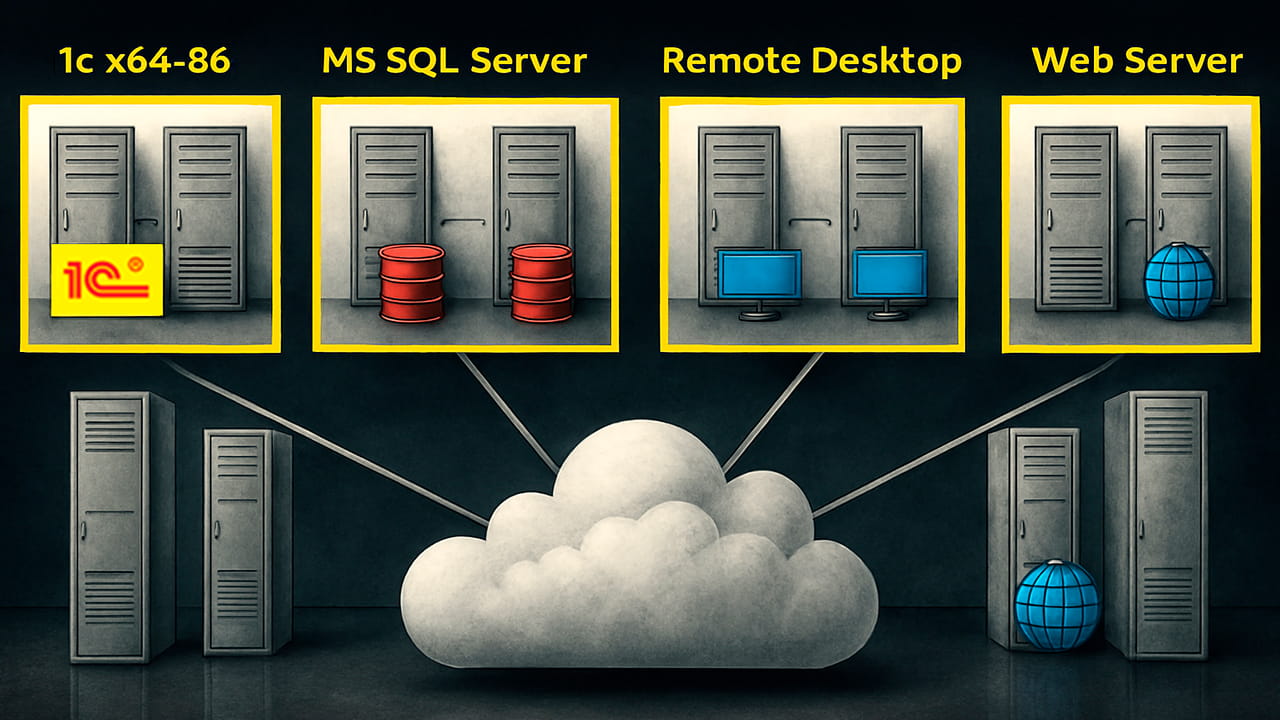
A cluster is used if necessary.:
- a separate file server for SQL;
- scaling for users;
- fault tolerance.
Why is 1C Cloud better than its hardware
There are fewer risks, faster launch, and predictable costs.
Comparison
| Criteria | Your file server | Ready VPS Cloud |
|---|---|---|
| Launch | 2-6 weeks | 1 day |
| Capital investments | High | No |
| Reservation | Often missing | Enabled |
| Scaling | Difficult | In minutes |
| Support | Own IT workload | 24/7 |
Migration to the cloud
We:
- Analyzing the databases and the load
- Selecting the configuration
- Transferring data
- Testing the performance
- Switching users with minimal downtime
Performance and control
Available in the cloud:
- 24/7 equipment monitoring;
- performance analysis for 1C;
- CPU, RAM, and disk load monitoring;
- recommendations for optimization.
The price of a cloud for 1C
- 6
- 15
- 100
- 8
- 20
- 140
- 12
- 30
- 210

- Processor power;
- RAM capacity;
- disk space;
- number of 1C users;
- licenses (own or leased);
- the payment period.

- calculating the price and required configuration;
- step-by-step scaling.

We use:
- data centers of the level Tier III;
- backup;
- network protection;
- access control;
- SLA financial guarantees.
Frequent questions
Yes, license migration is supported.
Yes, 24/7, not a call center, but engineers.
Yes, it works via the Internet from anywhere.
Case study: transferring 1C from the office to the ReadyVPS cloud
Task:
A company with a distributed team faced regular software brakes, failures at the end of the month, and a lack of backup.

- Industry: wholesale trade
- Region: Kazakhstan
- 1C users: 38 people
- Configurations: Accounting + Management
- Database: ~120 GB

- office file server under the desk
- Windows Server + MSSQL
- SSD drives
- backups "whenever possible"

- The program "hung up" when users were working at the same time.
- Closing the month took hours
- if the hardware fails, the entire office is down.
- remote work via VPN was unstable

- The solution was implemented in 1 business day.
- The configuration for real load is selected.
- The configuration is deployed in the ReadyVPS cloud.

- separate hardware for SQL
- SSD storage
- Database migration completed at night
- Backups are configured for monitoring
- Users have been transferred to work through RDP

| Parameter | Meaning |
|---|---|
| CPU | 8 vCPU (high frequency) |
| RAM | 32 GB |
| Disks | SSD |
| ОS | Windows Server |
| DB | MSSQL Server |
| Backup | Daily |

- The software system started working as expected.
- interface performance acceleration by 30-40%
- closing the month without freezes
- stable operation for 40+ users at the same time
- access to the program from anywhere
- the data is protected and backed up automatically

- incorrect configuration selection.
- slow disks.
- lack of backup options.
- office infrastructure that is not designed for growth.
- 1C in the cloud solves these tasks faster and cheaper than constant attempts to "fix an old fileserver."


Renting a 1C site in ReadyVPS means a quick launch, stable operation and no headaches with the infrastructure.